MVI to MP3: Convert Camera MOV Files
Learn how to convert MVI_ camera video files to MP3 by checking the real extension, then extracting audio from MOV in your browser.
Want to convert a file now?
Use the same workflow described in this guide and start directly from the main converter page.
MVI to MP3: Convert Camera MOV Files
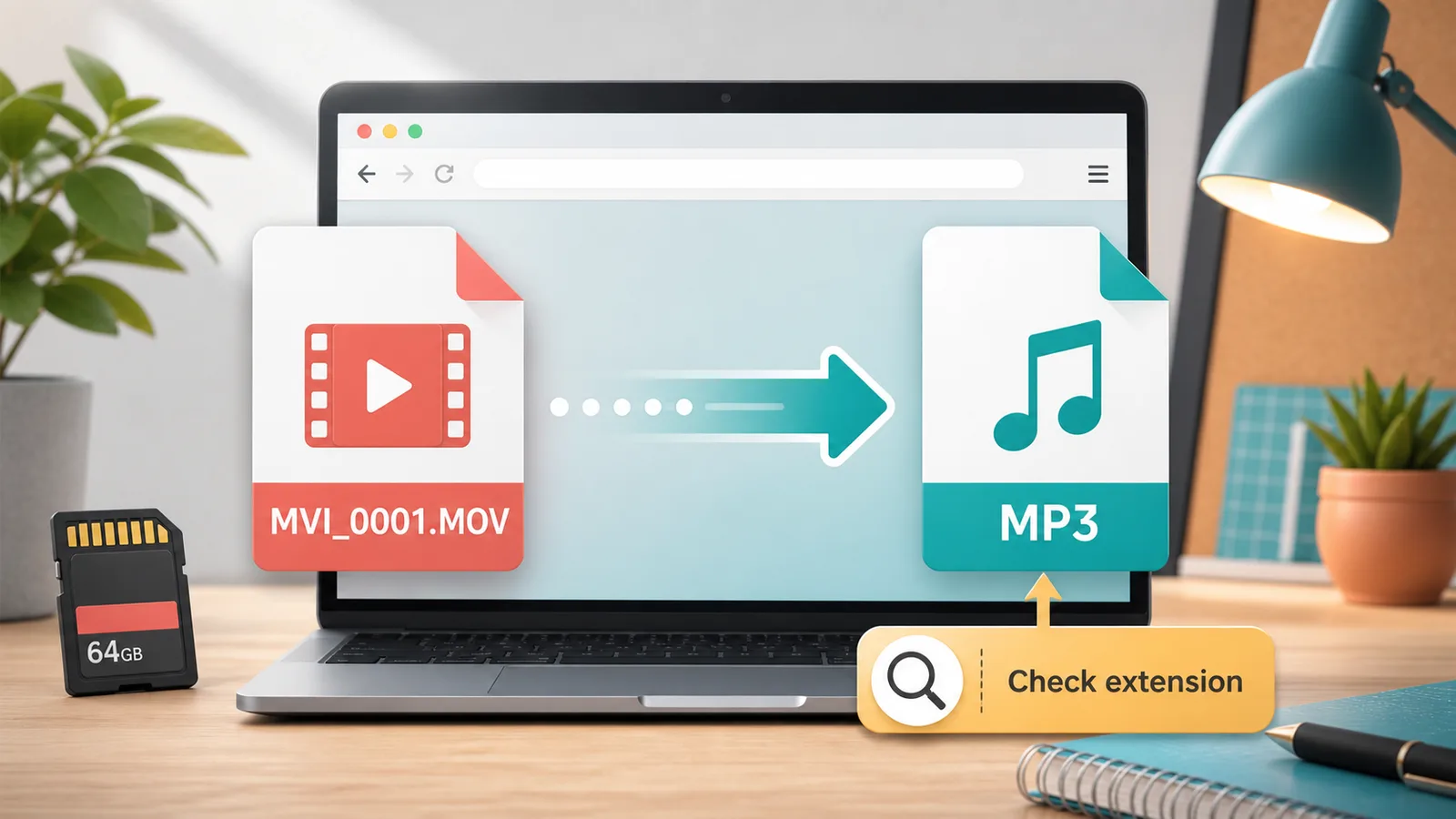
If you want to convert MVI to MP3, first check the real file extension. Many camera video files use names like MVI_0001.MOV, where MVI_ is part of the filename and .MOV is the actual video extension. In that case, you can use movtomp3.cc to extract the audio and download an MP3 without a required upload-first workflow.
This guide is for people who exported video from a camera, memory card, phone backup, or old media folder and now only need the audio track.
Quick Answer
- If your file is named like
MVI_0001.MOV, treat it as a MOV file and convert it with the MOV to MP3 workflow. - If the file is named
MVI_0001.MP4, it is an MP4 file; the current browser tool also supports common video inputs, but the most relevant guide may be an MP4-specific workflow. - If the extension is hidden on your computer, show file extensions first so you do not guess the format from the filename prefix.
- For the shortest path, open movtomp3.cc, add the file, convert, and download the MP3.
Table of Contents
- What Is an MVI File?
- Check the Extension Before Converting
- How to Convert MVI to MP3 in the Browser
- MVI_0001.MOV vs MVI_0001.MP4
- When Browser Conversion Is a Good Fit
- Troubleshooting MVI to MP3
- Related MOV to MP3 Guides
- FAQ
What Is an MVI File?
In everyday searches, "MVI file" often means a camera video file whose name starts with MVI_, such as MVI_0001.MOV or MVI_0001.MP4. The important part is the extension after the final dot, because that tells your converter which container format it needs to read.
For example:
| Filename you see | What to check | Likely workflow |
|---|---|---|
MVI_0001.MOV | .MOV extension | MOV to MP3 |
MVI_0234.MP4 | .MP4 extension | MP4 or common video to MP3 |
MVI_0042.AVI | .AVI extension | AVI or common video to MP3 |
MVI_0001 with no visible extension | Hidden extension setting | Show extensions before converting |
Apple's QuickTime File Format documentation identifies QuickTime movie files with the .mov file type, and FFmpeg's official documentation is a useful reference for media containers and command-line conversion behavior.
Check the Extension Before Converting
Do this before choosing any MVI to MP3 converter:
- Select the file on your computer.
- Look at the full filename, including the text after the final dot.
- If the extension is hidden, enable file extensions in your operating system file manager.
- Confirm whether the file ends in
.MOV,.MP4,.AVI, or another video extension. - Choose the conversion guide that matches the extension.
This small check prevents the most common mistake: treating MVI_ as if it were always a standalone format.
How to Convert MVI to MP3 in the Browser
If your file is MVI_0001.MOV or another MVI-named MOV file, use this workflow:
- Open movtomp3.cc.
- Add your
MVI_0001.MOVfile from your device. - Confirm the file is in the queue.
- Click Convert.
- Download the finished MP3 file.
For several camera clips, add up to 10 files as long as the total queue stays within 2GB. When multiple files finish, you can download each MP3 separately or download completed results as a ZIP.
MVI_0001.MOV vs MVI_0001.MP4
The visible prefix can look similar, but the extension changes the workflow.
| Case | Meaning | Best next step |
|---|---|---|
MVI_0001.MOV | The file is a MOV video container | Use the main MOV to MP3 converter |
MVI_0001.MP4 | The file is an MP4 video container | Use a tool or guide that accepts MP4 input |
MVI_0001.AVI | The file is an AVI video container | Use a common video to MP3 workflow |
| File has no visible extension | Your system may be hiding extensions | Show extensions before converting |
If you are not sure, avoid renaming the extension manually. Changing .MOV to .MP3 in the filename does not convert the audio; it only changes the label shown by the operating system.
When Browser Conversion Is a Good Fit
A browser-based MVI to MP3 workflow is useful when:
- you only need the audio from a camera clip;
- the source file is a normal MOV recording;
- you do not want to install desktop software;
- you prefer not to use a required upload-first converter;
- you want to process a small set of clips together;
- you want a simple MP3 output rather than editing controls.
If you need exact bitrate settings, terminal logs, or scripted conversion for a whole folder, read MOV to MP3 with FFmpeg.
Troubleshooting MVI to MP3
The file will not upload or add to the queue
Check the visible extension first. If the file does not end in a supported video extension, the browser may reject it. Also confirm the file is not still on a disconnected memory card or external drive.
The file is too large
The current browser queue supports up to 10 files and 2GB total. If the file is very large, try one file at a time, use a desktop browser, close other heavy tabs, or switch to an FFmpeg command-line workflow.
The MP3 sounds silent
Some video files contain no usable audio track, or the original recording may have been muted. Play the source file first and confirm that it has audible sound before converting.
Renaming the file did not work
Renaming MVI_0001.MOV to MVI_0001.MP3 does not convert the media stream. You need a converter that reads the video container, extracts the audio track, and encodes MP3 output.
Related MOV to MP3 Guides
- How to Convert MOV to MP3
- QuickTime to MP3
- Convert MOV to MP3 on Mac
- Convert Large MOV to MP3 Without Uploading
- Batch Convert MOV to MP3
- CloudConvert MOV to MP3 Alternative
- MOV to MP3 with VLC
- MOV to MP3 with FFmpeg
FAQ
Is MVI the same as MOV?
Not always. MVI_ is often part of the visible filename, while .MOV is the actual extension in a name like MVI_0001.MOV. For conversion, the extension matters most because it tells the converter what kind of video container it needs to read.
Can I convert MVI_0001.MOV to MP3 online?
Yes. If your file ends in .MOV, open movtomp3.cc, add the file, convert it in the browser, and download the MP3. The workflow is designed for MOV audio extraction without a required upload-first step.
What if my MVI file is actually MP4?
If the full filename ends in .MP4, treat it as an MP4 file. Do not rename it to .MOV. Use a converter that accepts MP4 input, or check whether your current browser workflow supports common video formats.
Can I convert several MVI_ MOV files at once?
Yes, if they fit within the current browser queue. movtomp3.cc supports up to 10 files and 2GB total per queue, with individual MP3 downloads and ZIP download for completed batch results.
Will changing the extension to .mp3 convert the file?
No. Renaming a video file from .MOV to .MP3 does not extract or encode audio. You need an actual conversion step that reads the source video, extracts its audio track, and creates a new MP3 file.
Conclusion
The safest way to convert MVI to MP3 is to check the real extension first. If the file is MVI_0001.MOV or another MVI-named MOV file, use movtomp3.cc to convert the MOV to MP3 in your browser and download the audio file.
Sources
- Apple QuickTime File Format, checked September 1, 2026.
- FFmpeg Documentation, checked September 1, 2026.
- FFmpeg Formats Documentation, checked September 1, 2026.